Guides
How to avoid false alarms
False alarms waste time and can raise costs. This guide explains common causes and practical steps to reduce them before you choose 24/7 alarm monitoring.
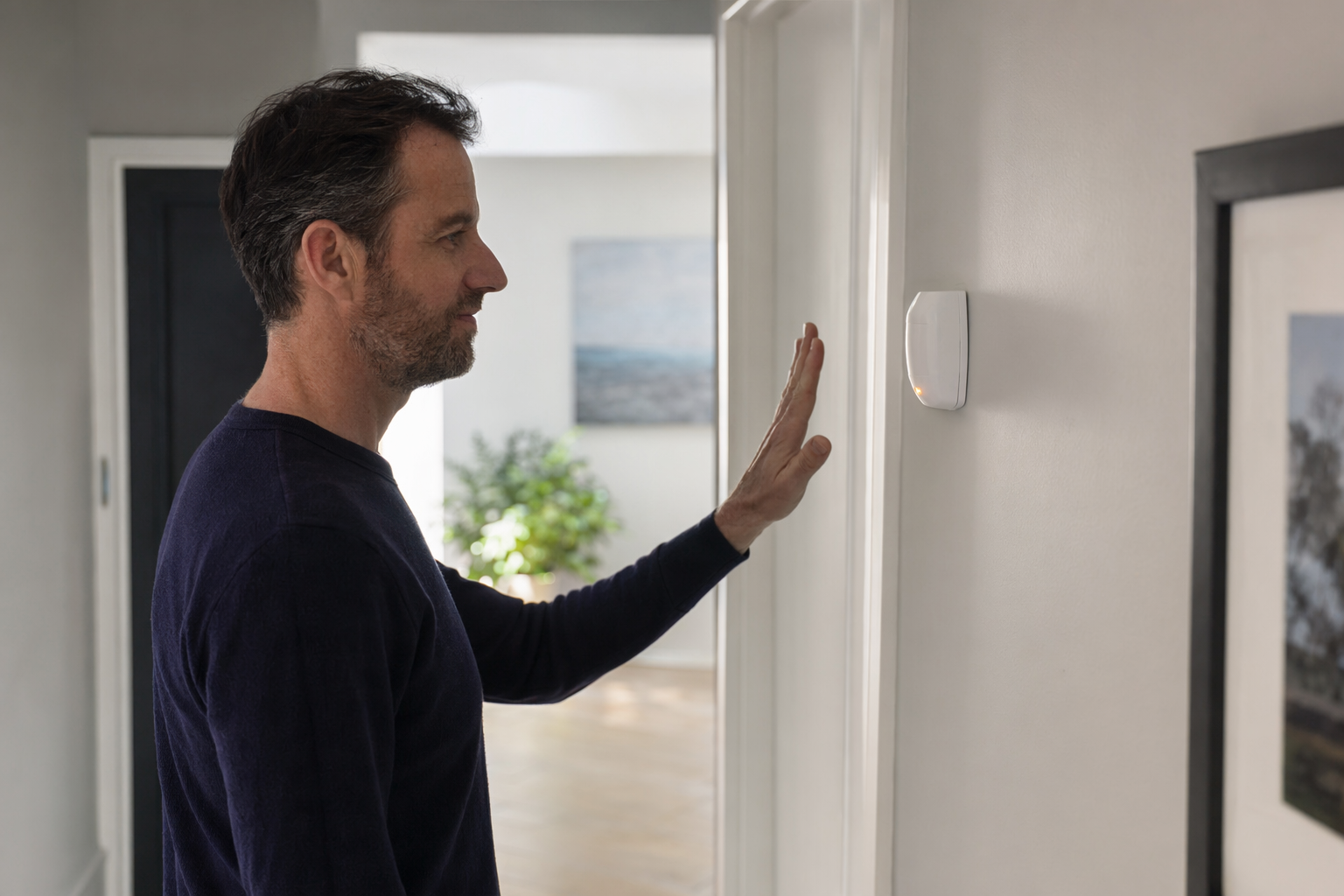
Start with the alarm signal path (so you know where false alarms happen)
Most 24/7 “alarm monitoring” systems are watched by a central station. Your sensor trips (door contact, motion sensor, smoke/CO alarm), your control panel sends a signal to the central station, and a trained operator follows the monitoring plan.
A typical flow is: sensor trips → control panel reports → central station verifies (often with a phone call or other contact steps) → the operator notifies you and dispatches police or fire if appropriate. If the operator cannot verify, the call for service may still happen depending on your setup and local rules.
So “false alarms” can come from the sensors themselves, from the way your system is programmed (entry/exit delays, zones, sensitivity), or from missed verification (no answer, wrong phone number, or outdated contact info). Before you compare providers, learn how monitoring verification works and how you will be contacted.
Common false-alarm causes you can fix quickly
Here are the issues that show up again and again, especially with new installs or after moving.
• Pets and airflow: Motion sensors can trigger from animals, ceiling fans, HVAC vents, or sunlight patterns.
• Door/window contact placement: Contacts that are slightly misaligned, loose, or exposed to vibration can report “open” when nothing is happening.
• Low battery or weak cellular/Wi‑Fi signal: Some systems report trouble signals that can become recurring events if you ignore maintenance.
• User errors: Forgetting to arm in “stay” vs “away,” leaving a door open, or walking past a motion sensor during an exit delay can trigger an alarm.
• Environmental sensors: Smoke and CO alarms can trigger from cooking smoke, steam, dusty air, or nearby combustion sources if they are not set up correctly.
If you want to reduce false alarms, treat the causes above like a checklist. Start with the sensor that triggers most often, then change one thing at a time.
Dial in settings: entry/exit delays, zones, and sensitivity
Your control panel usually controls how events are categorized and when monitoring treats them as “urgent.” The biggest levers are programming choices such as:
• Entry and exit delays: Delays allow you to open/close the door after arming without immediately triggering the central station response. If you keep getting alarms while coming home or leaving, the delay may be too short or your arming steps might not match your schedule.
• Zone type and reporting: Some zones can be set as “instant” while others are “delay” zones. For example, a back door you frequently use might need delay behavior, not instant behavior.
• Motion sensor sensitivity and detection pattern: Reducing sensitivity can help with pets. Adjusting placement often works better than turning sensitivity down too far.
• Notification and verification settings: Make sure your monitoring contacts are correct and up to date. If you miss verification calls or texts, the operator may move forward.
Ask the provider you choose how verification works and what the monitoring plan expects from you. For education, Signal Watch Central explains central station monitoring and connects people with a provider near them at /get-matched/.
Placement and maintenance: the unglamorous part that prevents most alerts
A well-programmed system still produces false alarms if the hardware placement is wrong or maintenance is skipped.
Motion sensors: Mount them where they cannot “see” a heater vent, direct sunlight, or areas where pets climb. Many false alarms happen because the sensor points at something that moves (curtains, ceiling fans, hanging plants).
Door/window contacts: Align the magnet and reed switch so they reliably touch when closed. If the contact is loose, it can report open even when the door looks shut.
Smoke/CO and other life-safety sensors: Follow the placement instructions from the device manufacturer. Cooking smoke, steam, and dust can trigger smoke detectors if they are installed too close to kitchens, bathrooms, or vents.
Maintenance habits that help:
• Test your alarm system on schedule.
• Replace batteries before they get low.
• If you notice repeated nuisance events, do a sensor-by-sensor review instead of ignoring it.
For a better understanding of how the monitoring link works, see /services/central-station-monitoring/.
Avoid costly “gotchas” when choosing monitoring
Reducing false alarms is partly technical and partly contractual. Alarm sales can be confusing, so watch for common tactics:
• Long auto-renewing contracts: Some plans lock you into monitoring for a set term with automatic renewal.
• “Free” systems with expensive monitoring lock-in: A low upfront price can come with a higher ongoing monitoring cost.
• Door-to-door pressure: Salespeople may push you to sign quickly. Take your time, ask for written terms, and verify cancellation steps.
• Vague cancellation language: Look for exact dates, notice requirements, and whether equipment return is required.
Cost varies. In the US, monitoring and related fees can differ based on the equipment, the monitoring contract, your area, and the features you choose (for example, cellular backup or dual-path reporting). Expect ranges rather than exact numbers. A provider should describe what you pay clearly in writing.
Also note that some states license alarm-company solicitation and rules vary by state. If you are being contacted by a seller, ask what license information applies where you live.
How Signal Watch Central helps (without installing or monitoring anything)
Signal Watch Central is a free service that helps you understand central station 24/7 alarm monitoring and get connected with a monitoring provider near you. We do not install systems, do not operate a central station, and we do not guarantee outcomes.
If your goal is to lower false alarms, use the matching step to ask specific questions before you sign. For example: how the provider handles verification, what contact steps they use during an alarm, and what programming or setup support they offer.
To start, use /get-matched/ and tell us what you are trying to monitor. We will connect you with providers in your area so you can compare options for monitoring and setup.
To avoid false alarms, fix sensor placement, tune delays and zone settings, keep contacts current for verification, and choose monitoring with clear rules and written terms.
Common questions
If my system calls the central station, why would it trigger dispatch for something minor?
Central station operators follow the monitoring plan for verification steps. If the operator cannot confirm it is a false alarm, dispatch may still occur depending on your zone type, your configuration, and local rules. That is why fast, correct verification and careful zone programming matter.
What should I ask a monitoring provider about false alarms?
Ask how alarms are verified (for example, who calls and what information you need to provide), what contact numbers are required, and how zone type and delays are handled. Also ask whether they support common nuisance-alarm fixes such as sensor placement guidance and reviewing your programming.
Can pets cause motion sensors to trip even if nothing else changed?
Yes. Pets can trigger motion detectors through movement in the sensor’s view, especially if the sensor is pointed near furniture, vents, or areas pets use. Adjusting placement and reducing exposure to moving heat sources usually helps.
How do I reduce nuisance alarms from smoke or CO detectors?
Use manufacturer placement guidance and avoid installing smoke detectors too close to kitchens, steam sources, or combustion areas. If you get frequent alerts, review the detector type, placement, and ventilation, and test the system according to the device instructions.
What is the right way to update my phone numbers for verification calls?
Update contact information with the monitoring provider as soon as it changes, and confirm it after updates. If you do not receive verification calls during testing, ask for an alternate verification method that your household can reliably answer.
Does Alarm monitoring always prevent break-ins or fires?
No. Monitoring increases the chance that help is alerted when an alarm is confirmed, but it does not guarantee safety or stop incidents from happening. The quality of your sensors, setup, and verification steps all affect outcomes.